
Plan your day.
Keep your data.
Freeflo is a calm dashboard for your tasks, calendar, money and friends. It runs on your own computer. No account, no Freeflo server, no telemetry.
Free and open source, MIT licence. The Windows installer includes everything it needs. The zip needs Node.js 20 or newer.

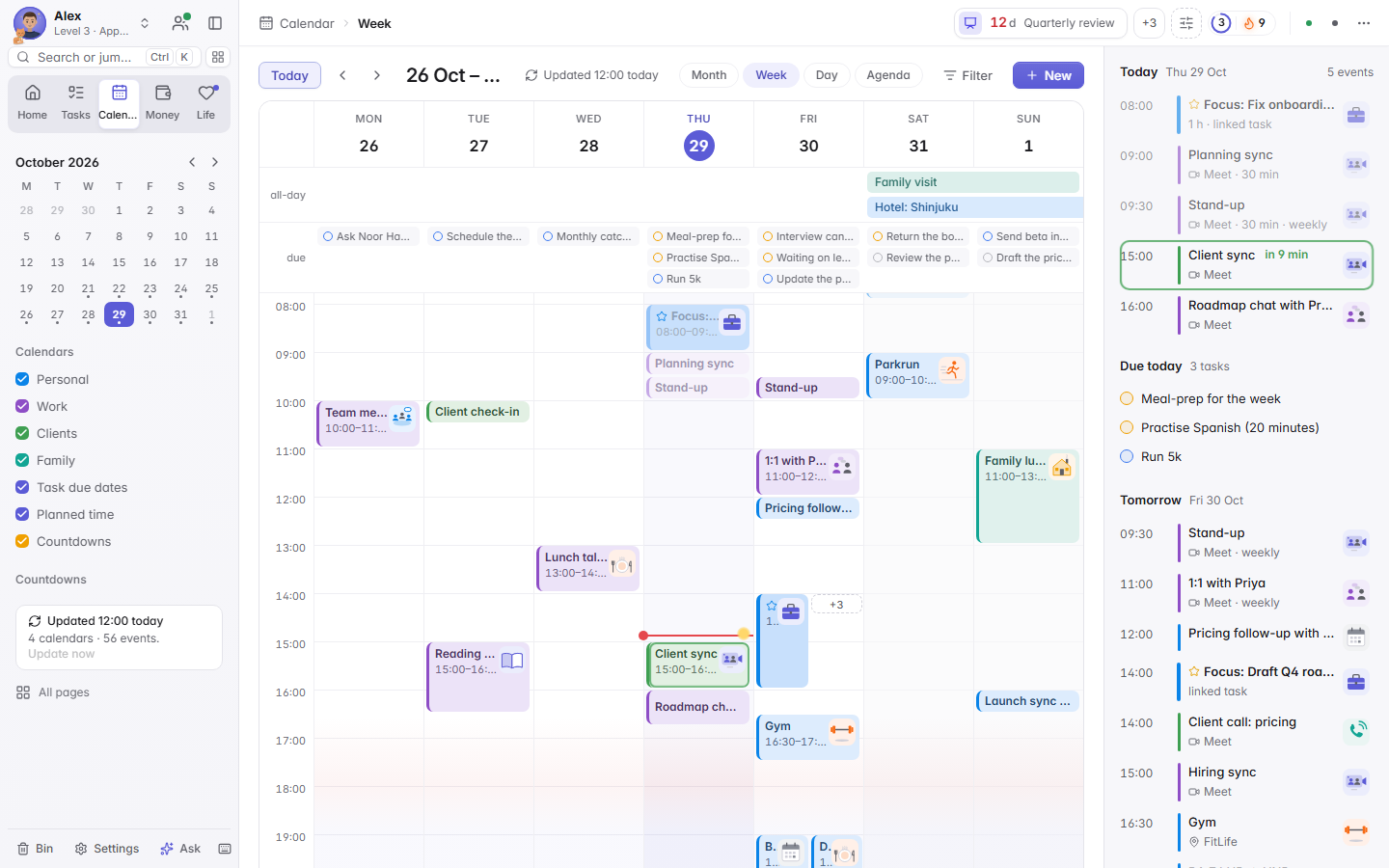
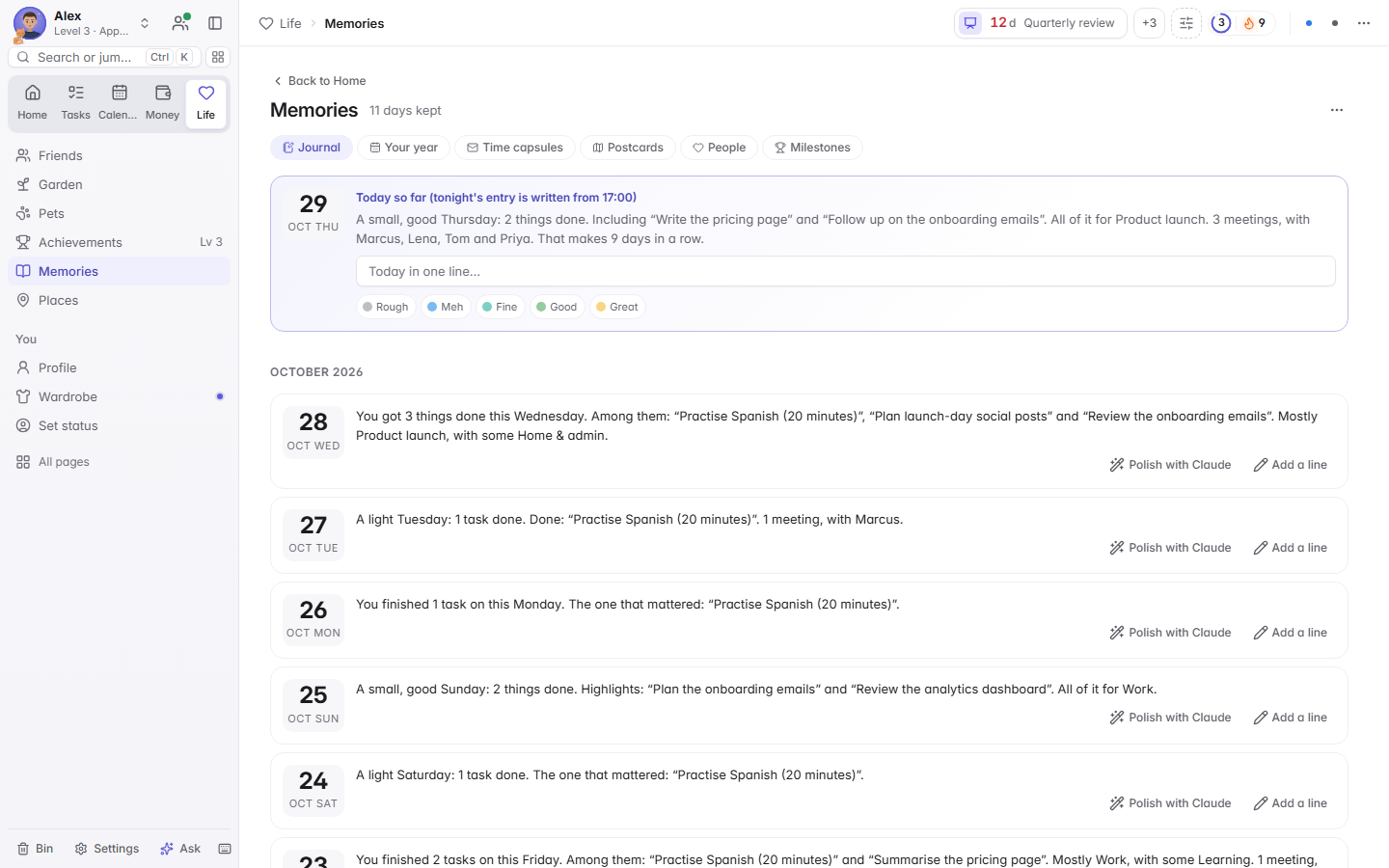
A day with Freeflo, from first coffee to lights out. Every picture shows invented demo data.
Morning
Your day, at a glance
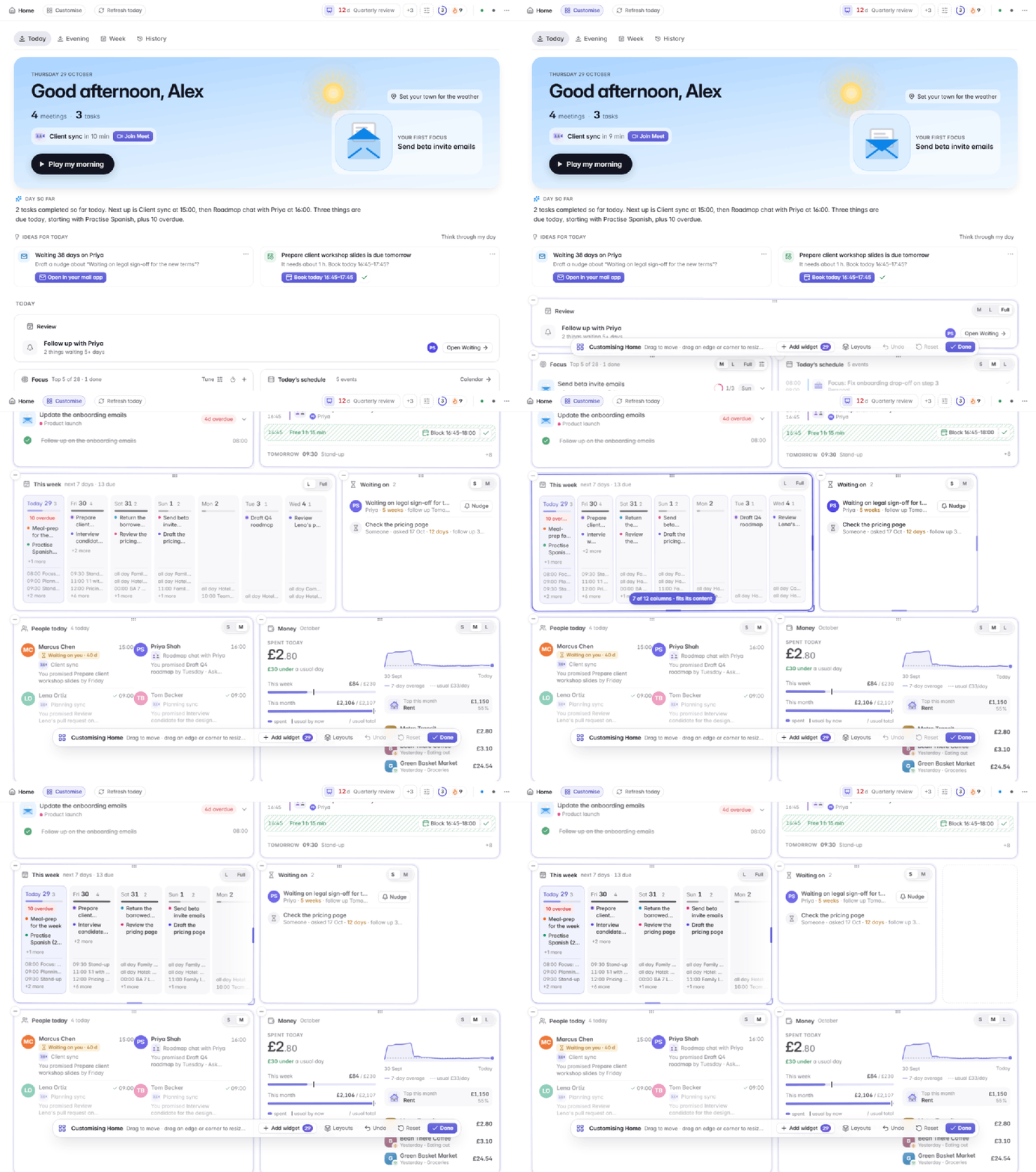
A morning card, the day so far in one sentence, the next meeting and ideas for today. Play my morning reads the day to you as a short story. Resize any card by dragging its edge; the others make room.
Work
Write it the way you would say it
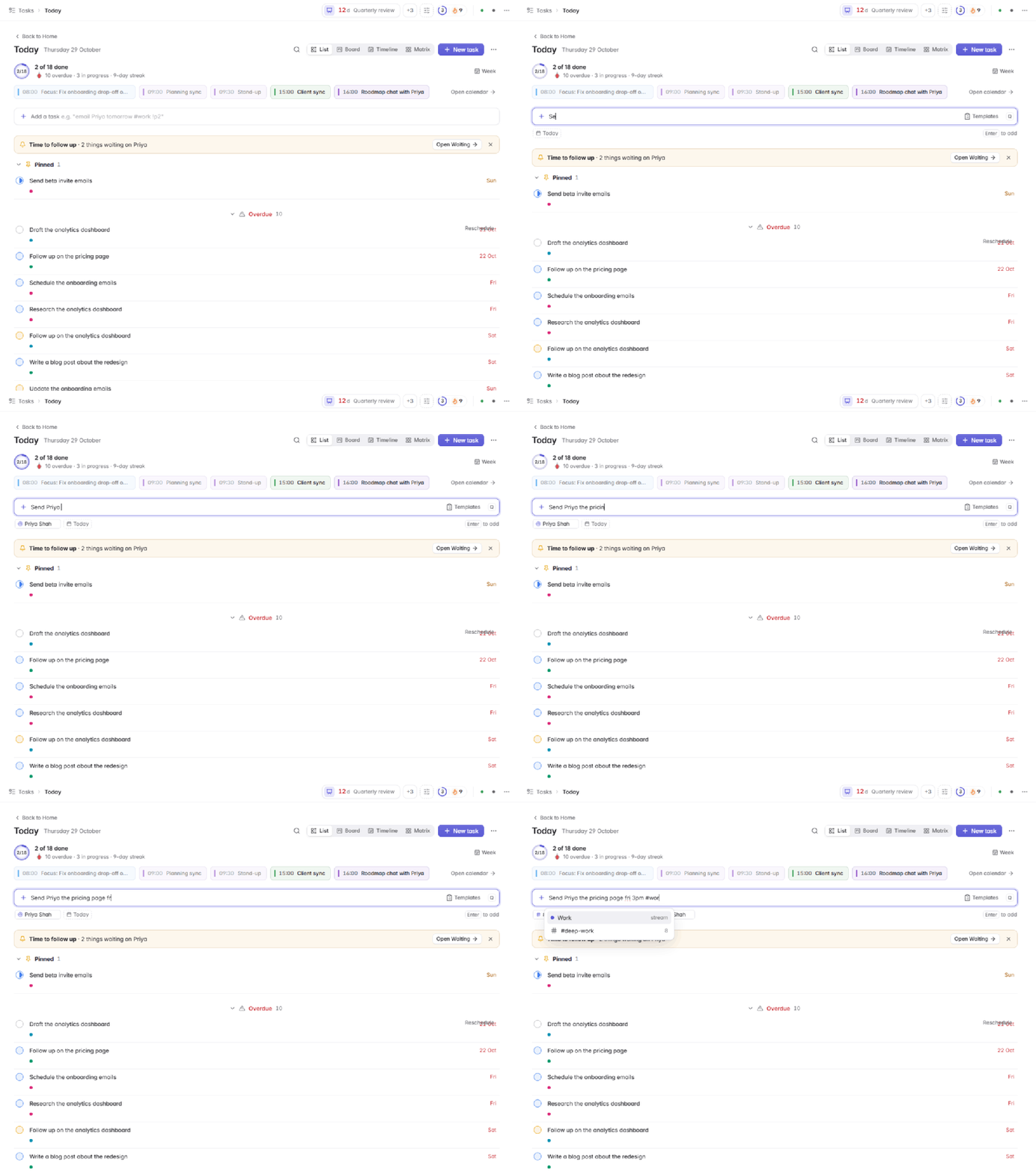
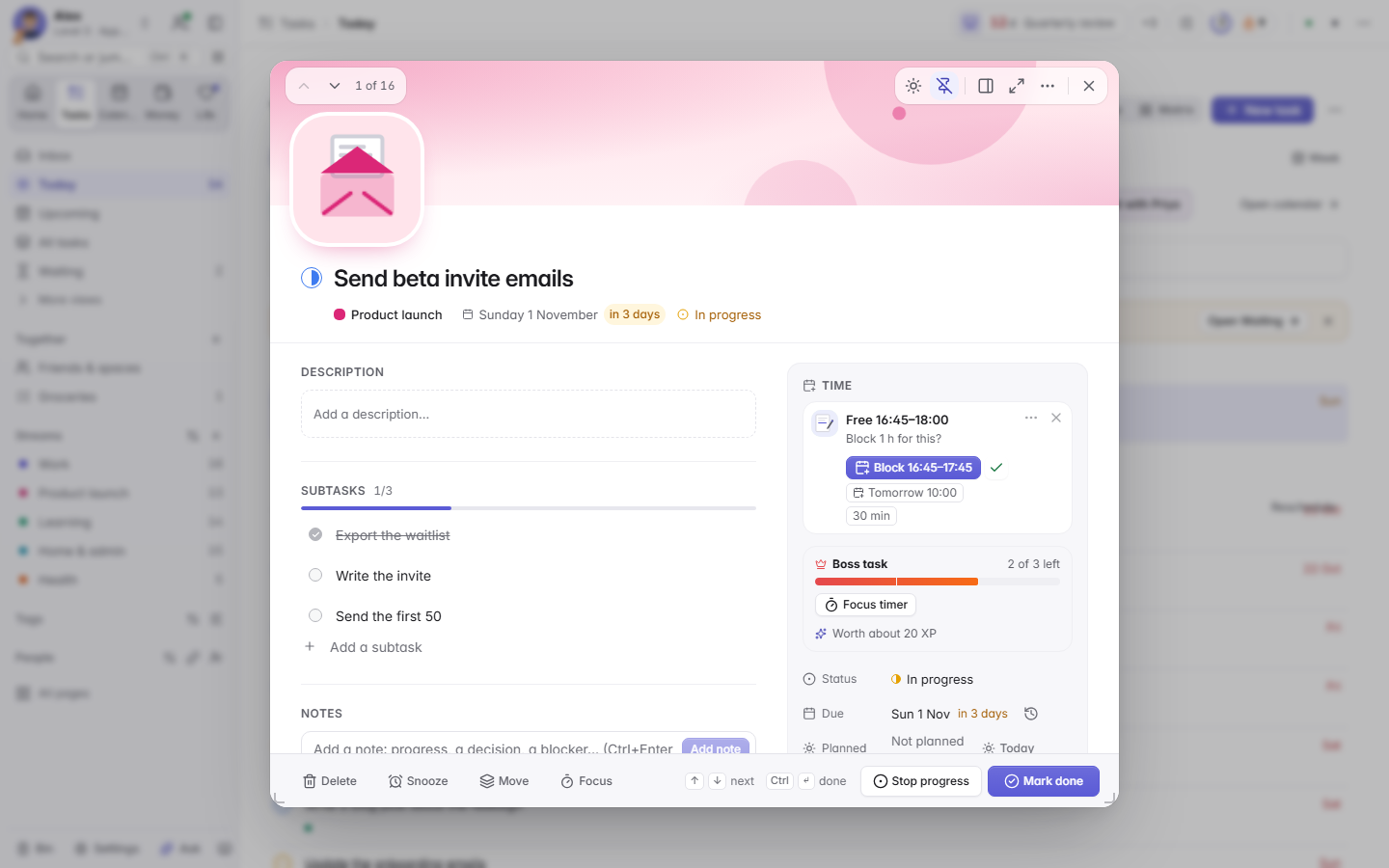
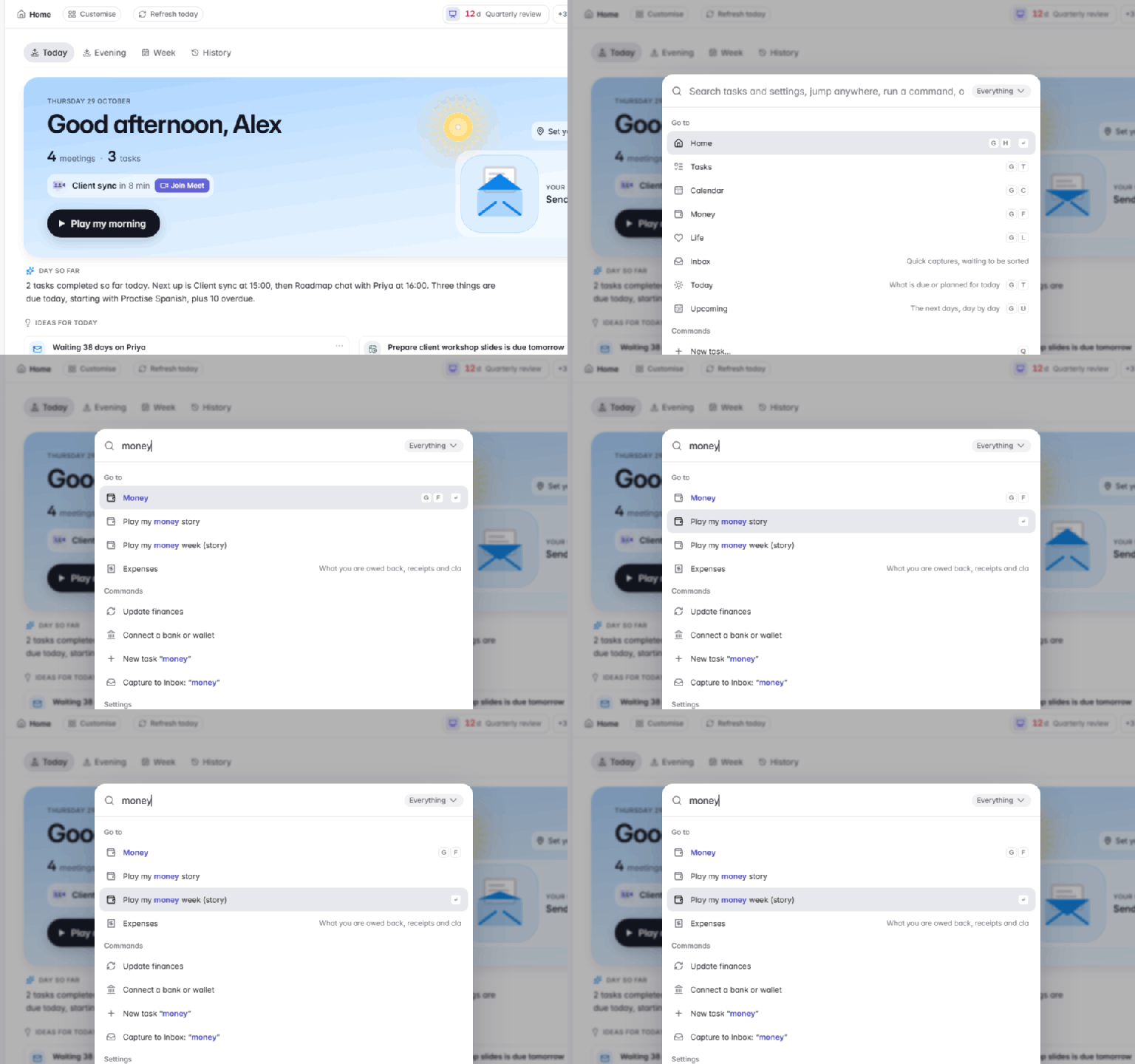
Press Q and type Send Alex the slides fri 3pm #work !p1 ~1h. The date, stream, priority and estimate turn into chips before you press Enter.
Lunch
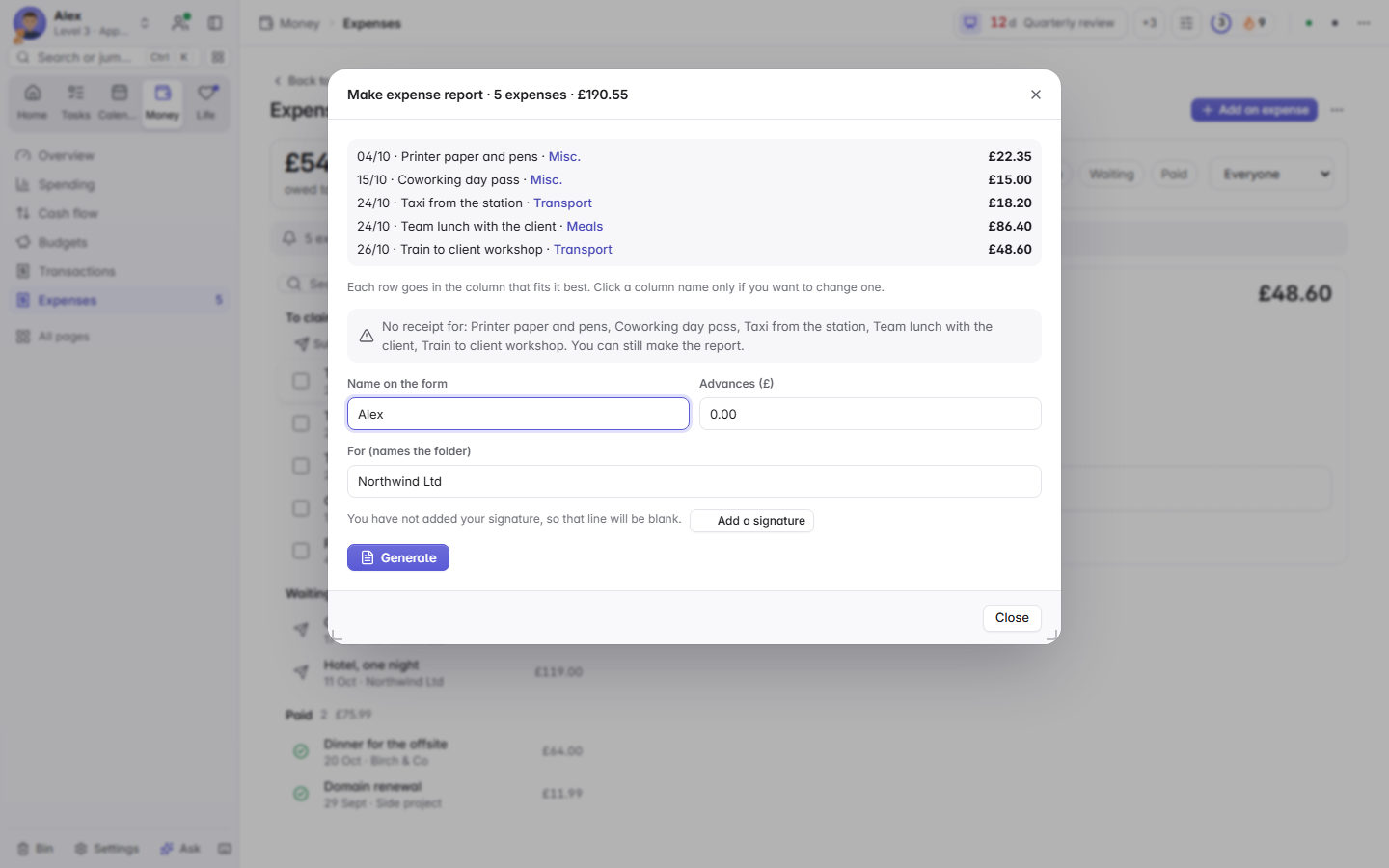
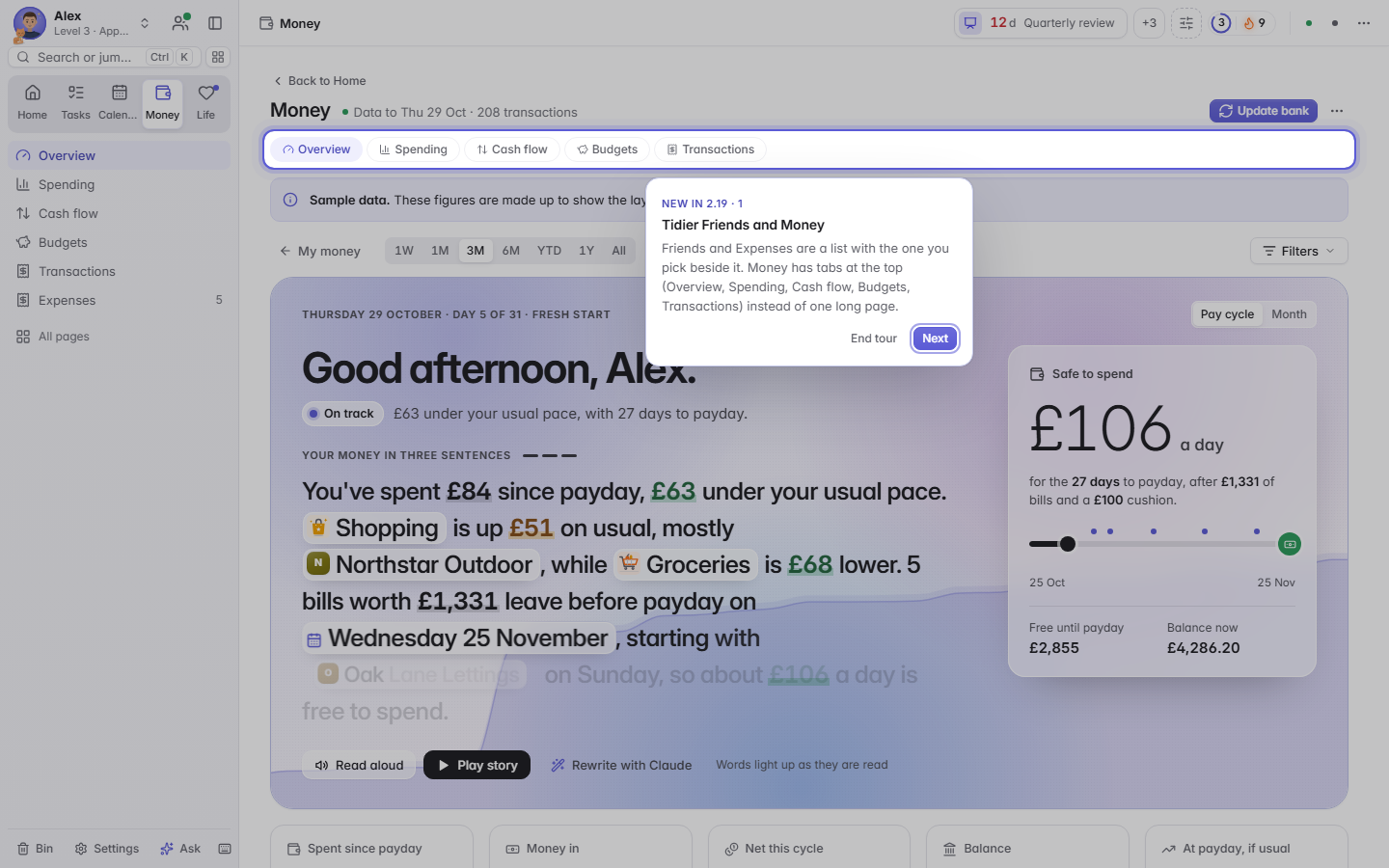
Know what is safe to spend
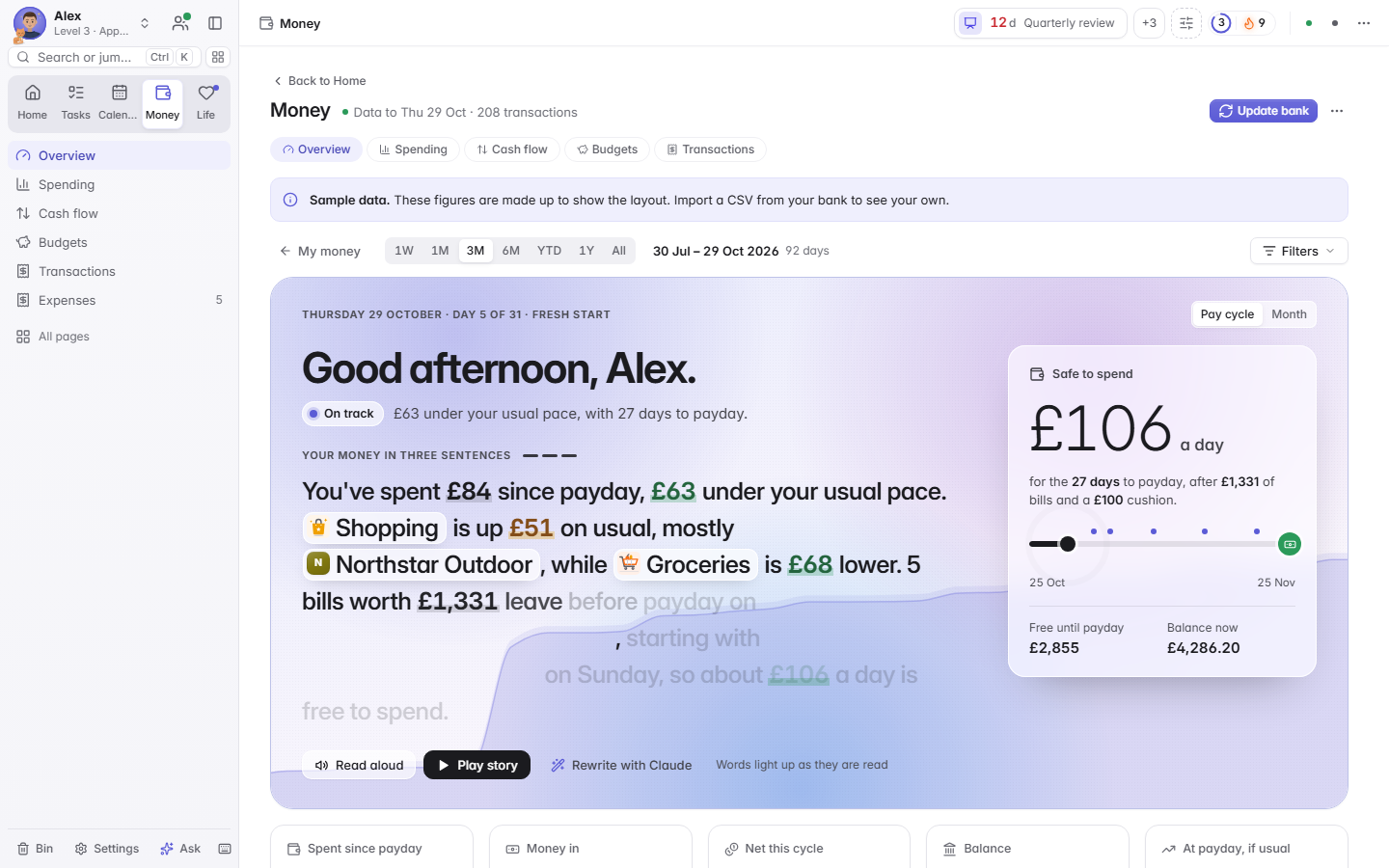
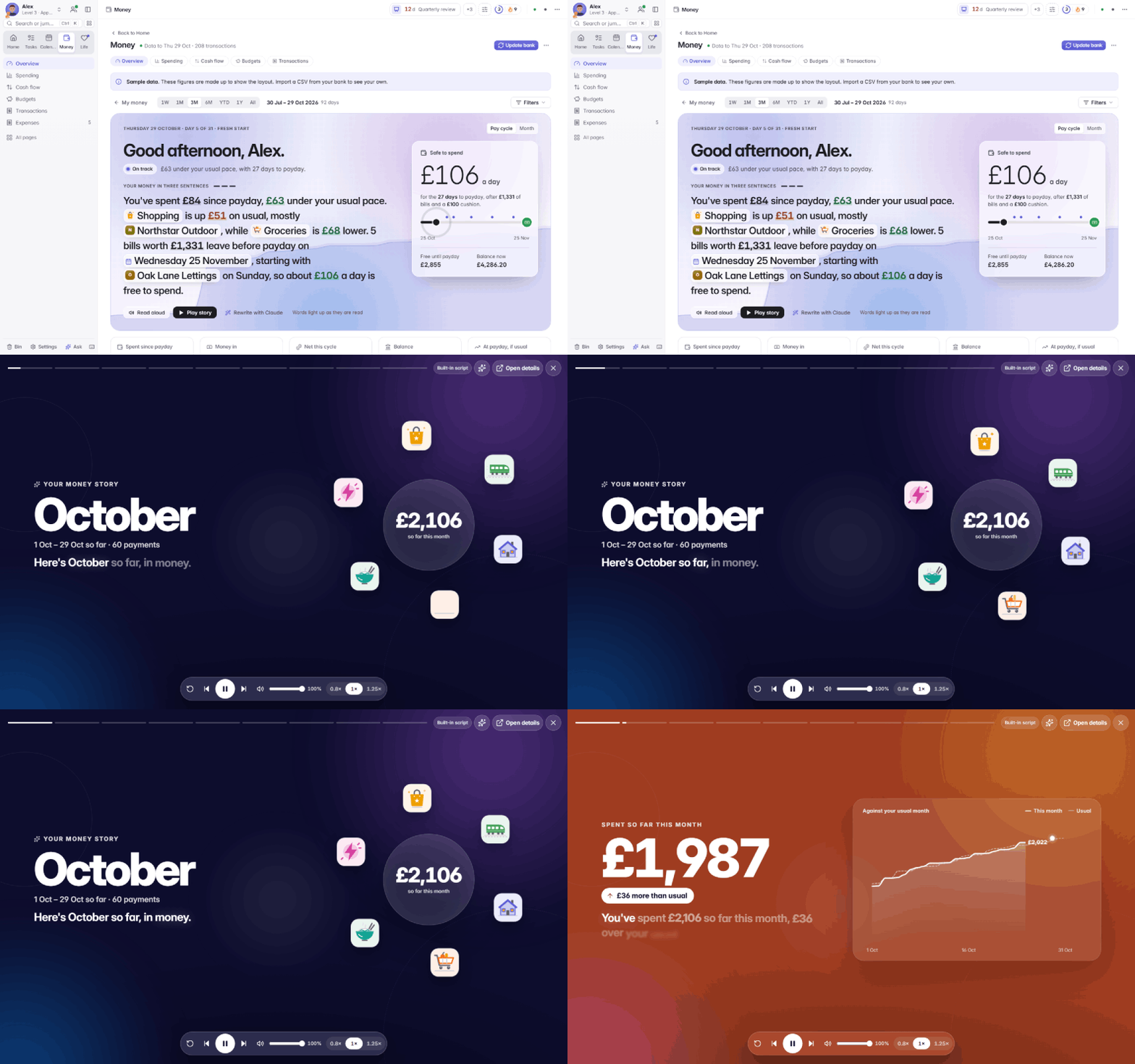
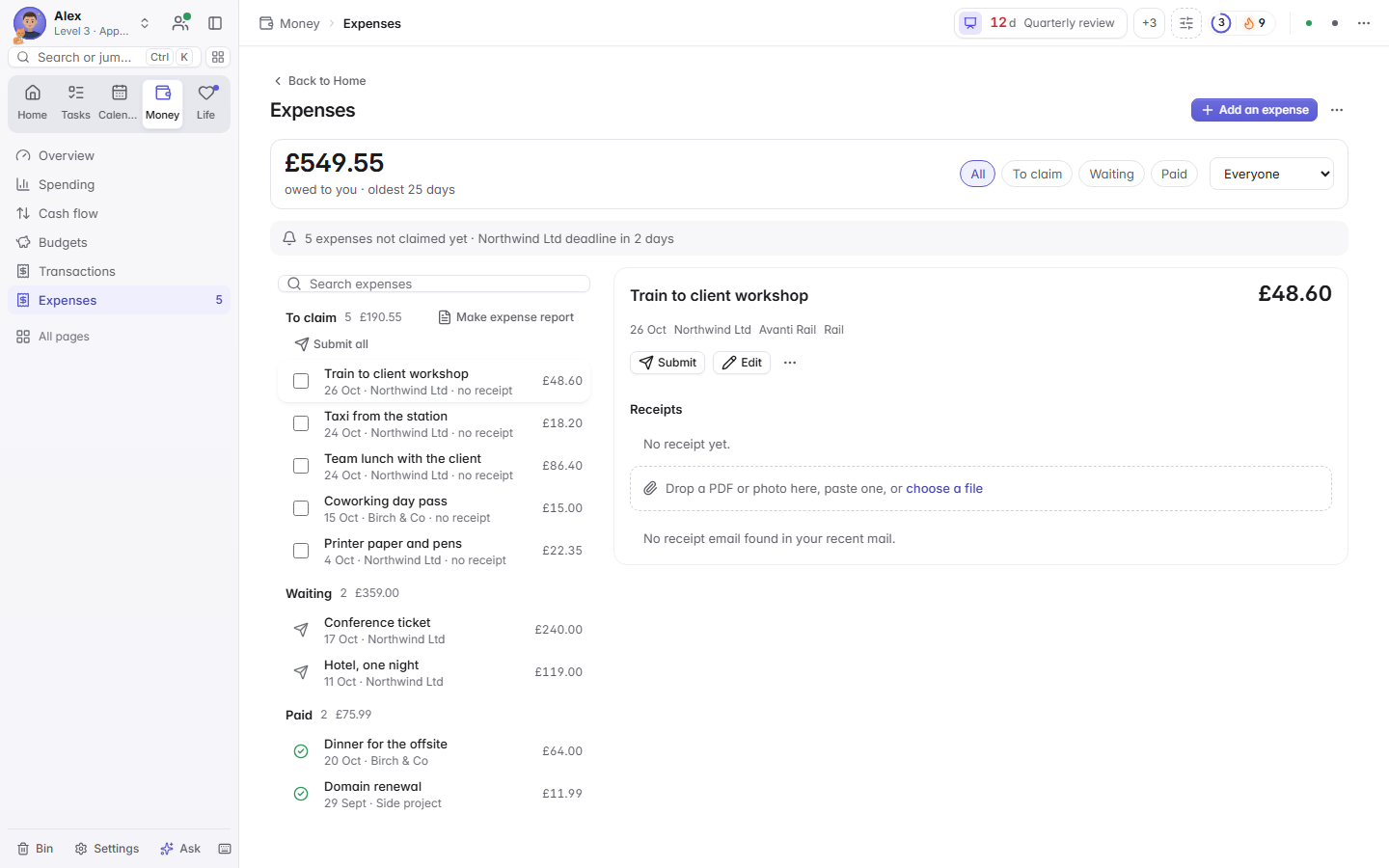
The Money board shows what you can spend today, your bills and subscriptions, and budgets with a pace marker. Import a bank CSV with no connection at all, or connect a bank read-only. The Money brief puts your month in three sentences.

Afternoon
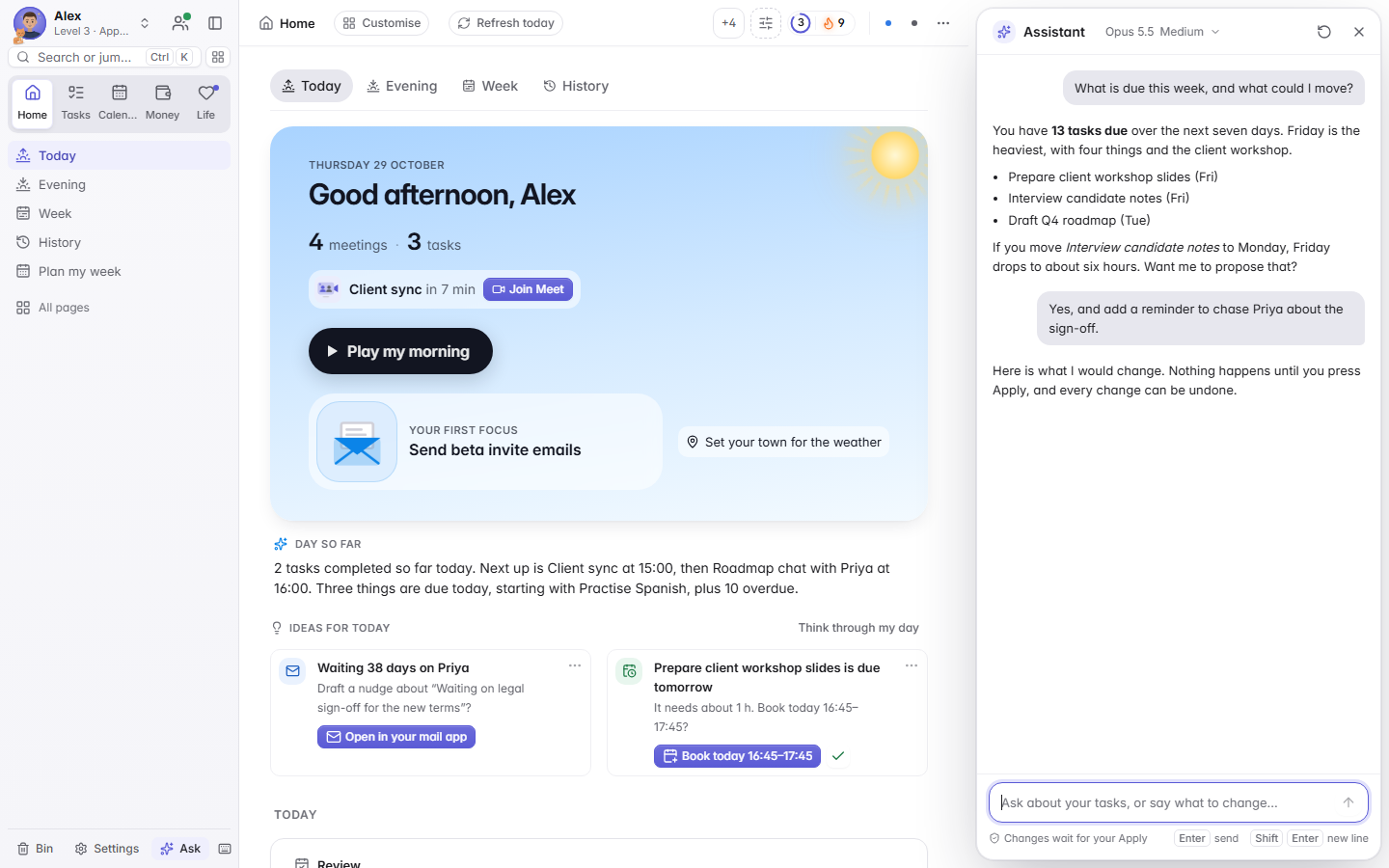
Ask, then approve
"Move everything for Acme to next Monday." The assistant looks things up and can do nearly everything in the dashboard, and every change can be undone. Anything sensitive asks for your approval first.
It is optional, and runs through your own Claude Code on your own plan. It has no shell and no file tools.
Evening
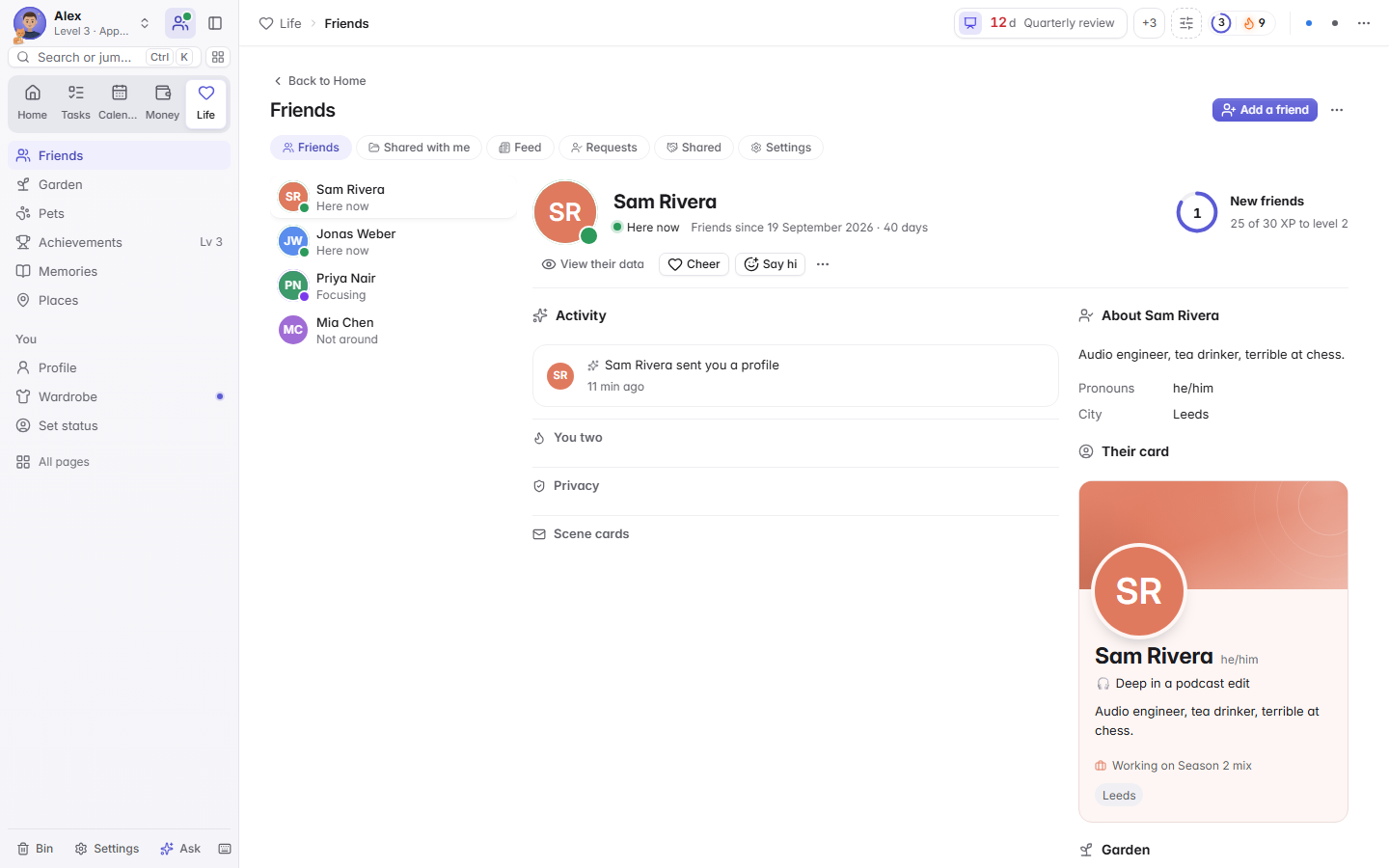
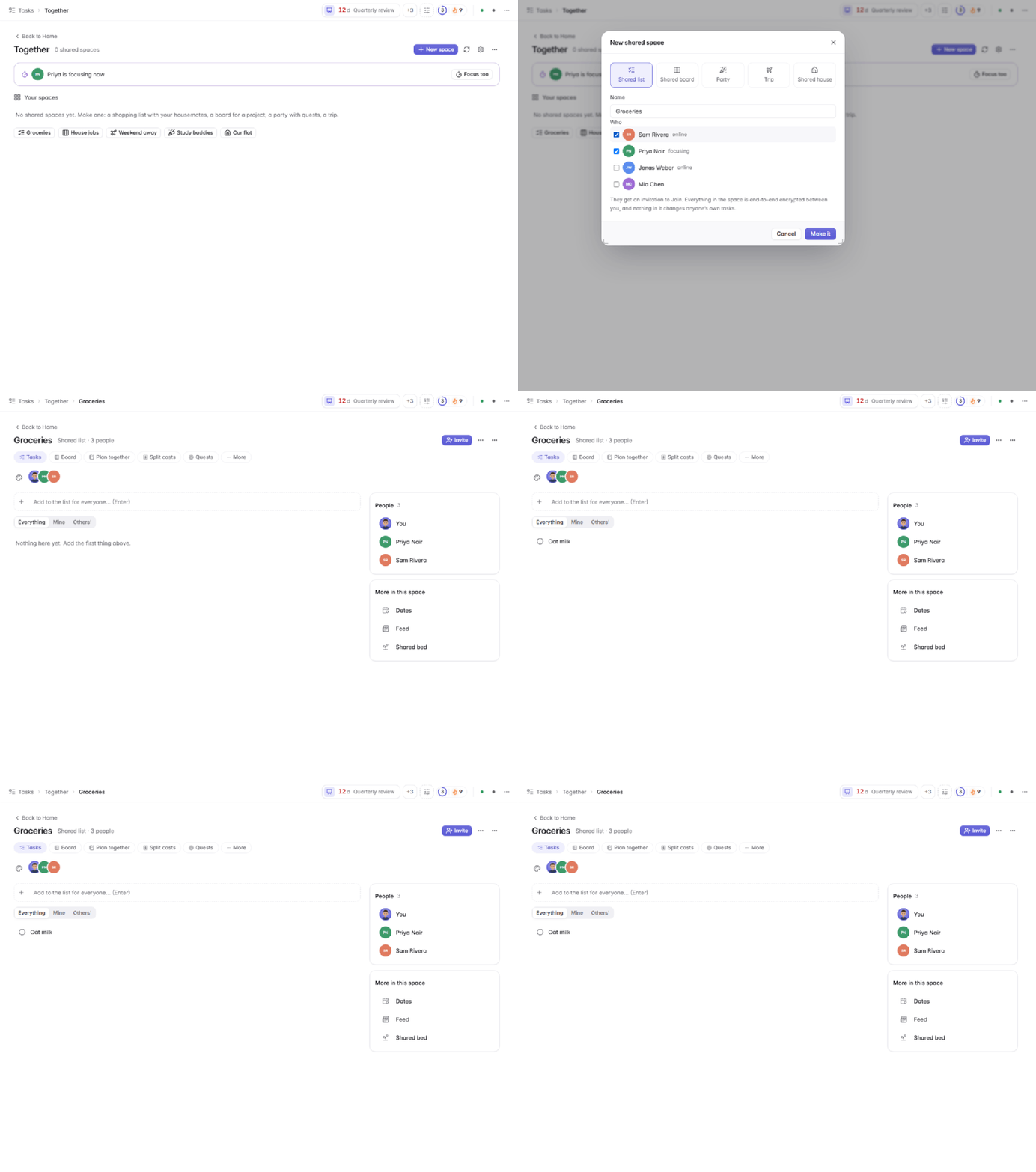
Friends, privately
See who is around, cheer each other on and make shared lists, boards, parties and trips. A new friend sees only your profile, game progress and garden. Anything more is your choice, per friend, and it travels end-to-end encrypted.
Wind down
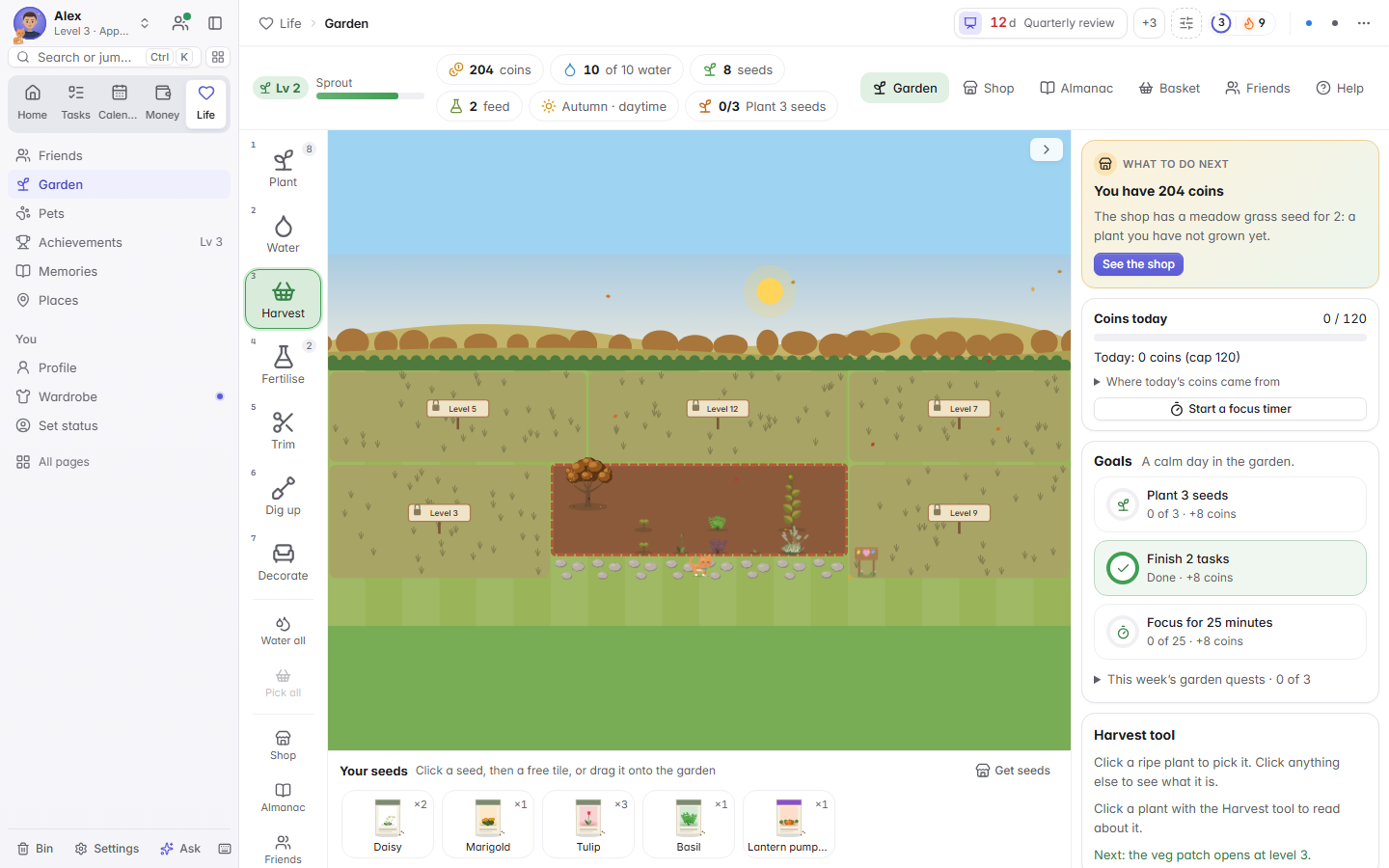
A garden that grows when you focus
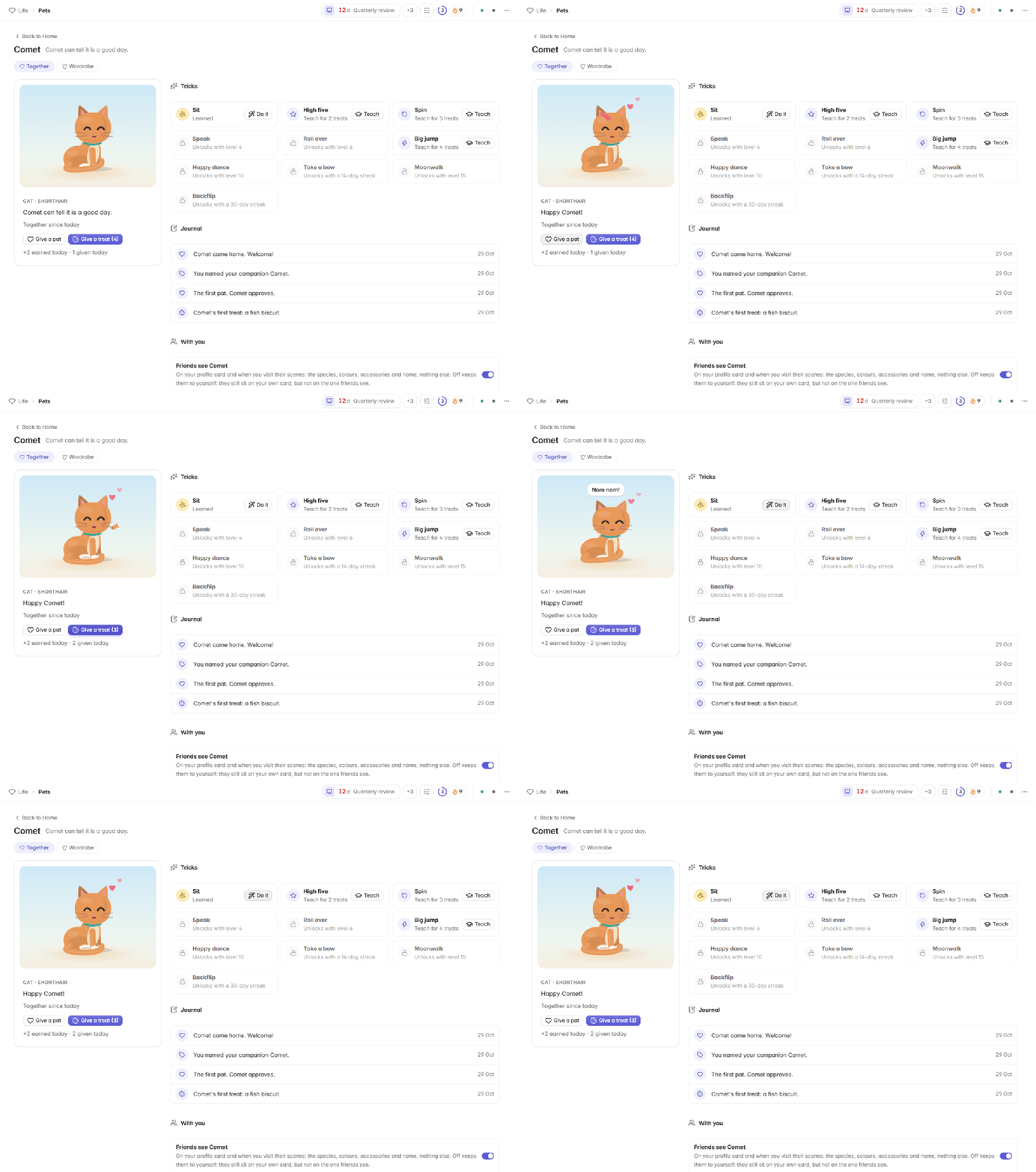
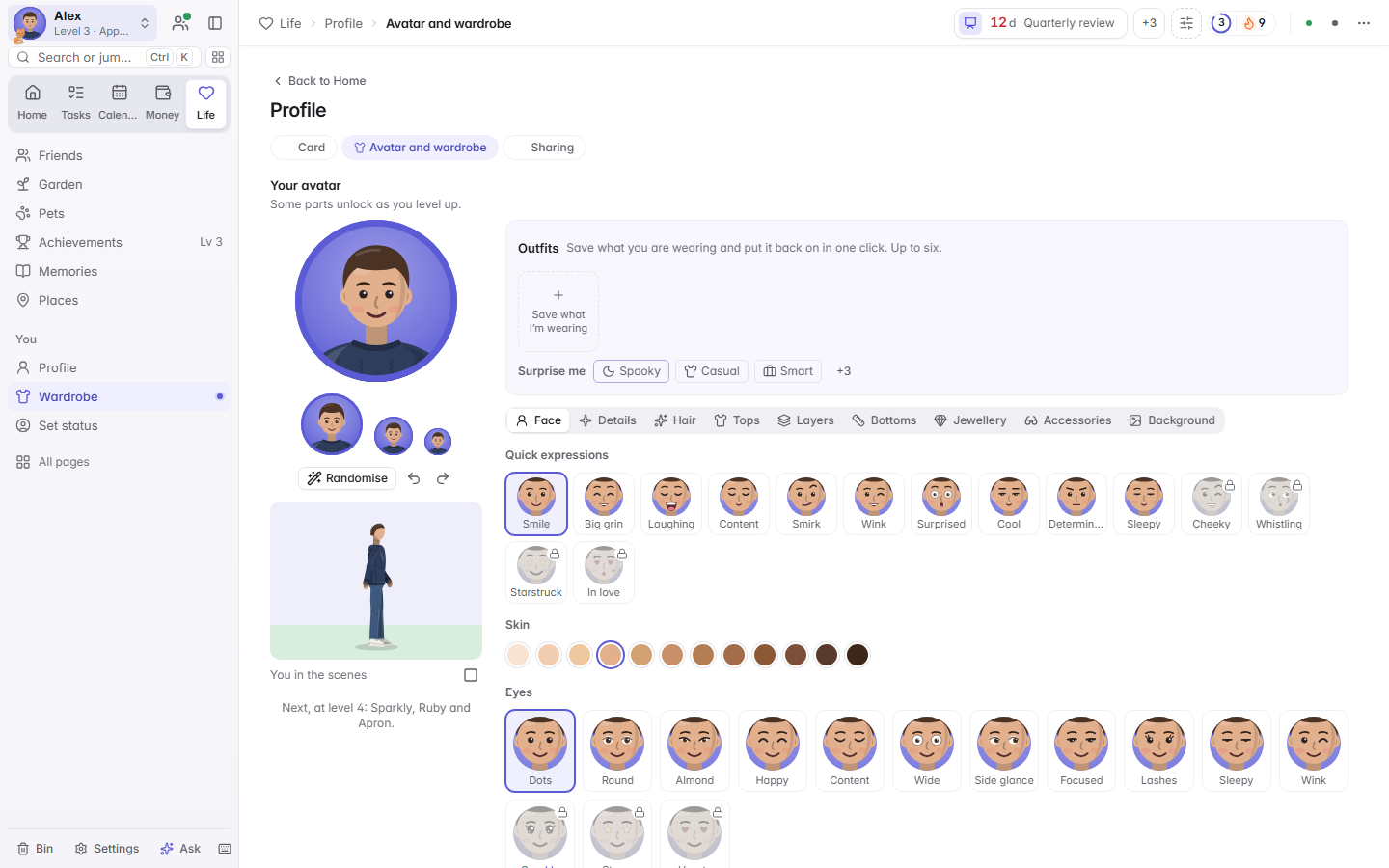
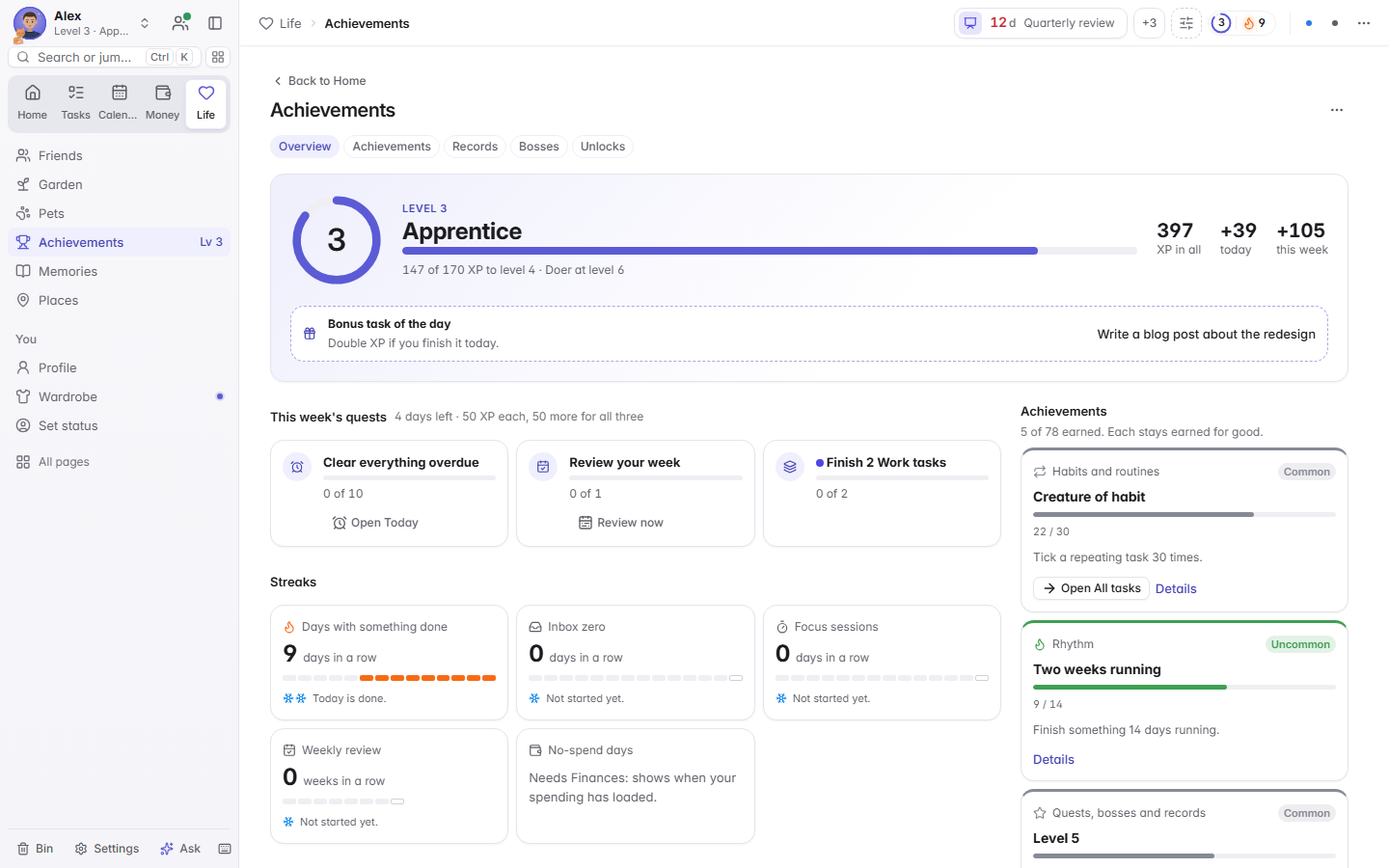
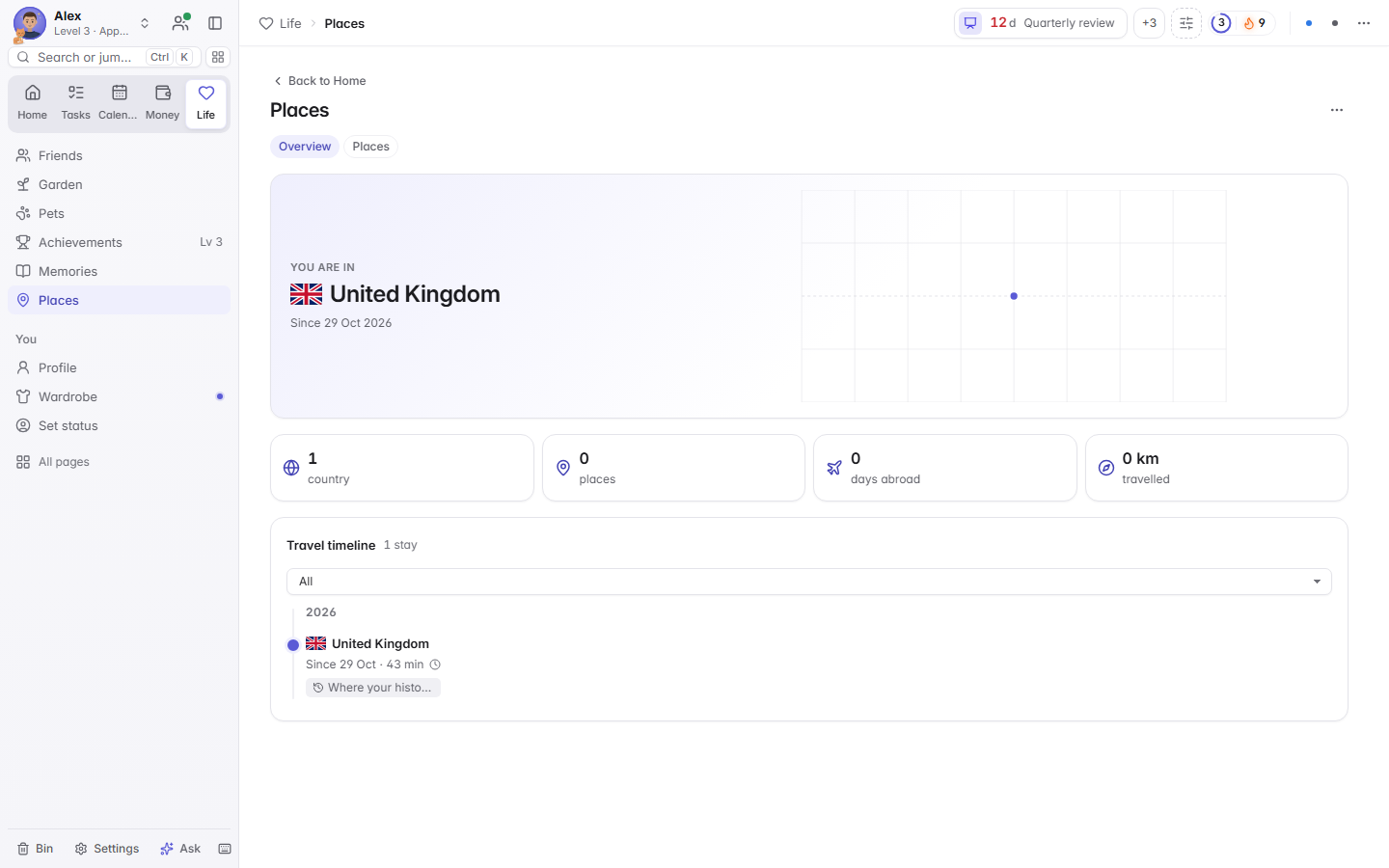
Focus time earns coins for a garden you can really play in: plant, water, harvest and decorate through the seasons. Adopt a pet, dress your character and collect achievements. Turn the fun down to Subtle, or off.
Locked up
Private by design, secure by default
Your tasks, people, calendar and money are personal. Freeflo is built so they stay yours, and each claim below is backed by the code.
- Local-first
- Your data is one folder on your computer. There is no Freeflo server, no account, no analytics and no telemetry.
- A local server that stays local
- It listens only on 127.0.0.1 and checks each request's Host and Origin, so websites you visit can't reach it. A strict Content Security Policy allows no inline scripts but the app's own.
- End-to-end encrypted
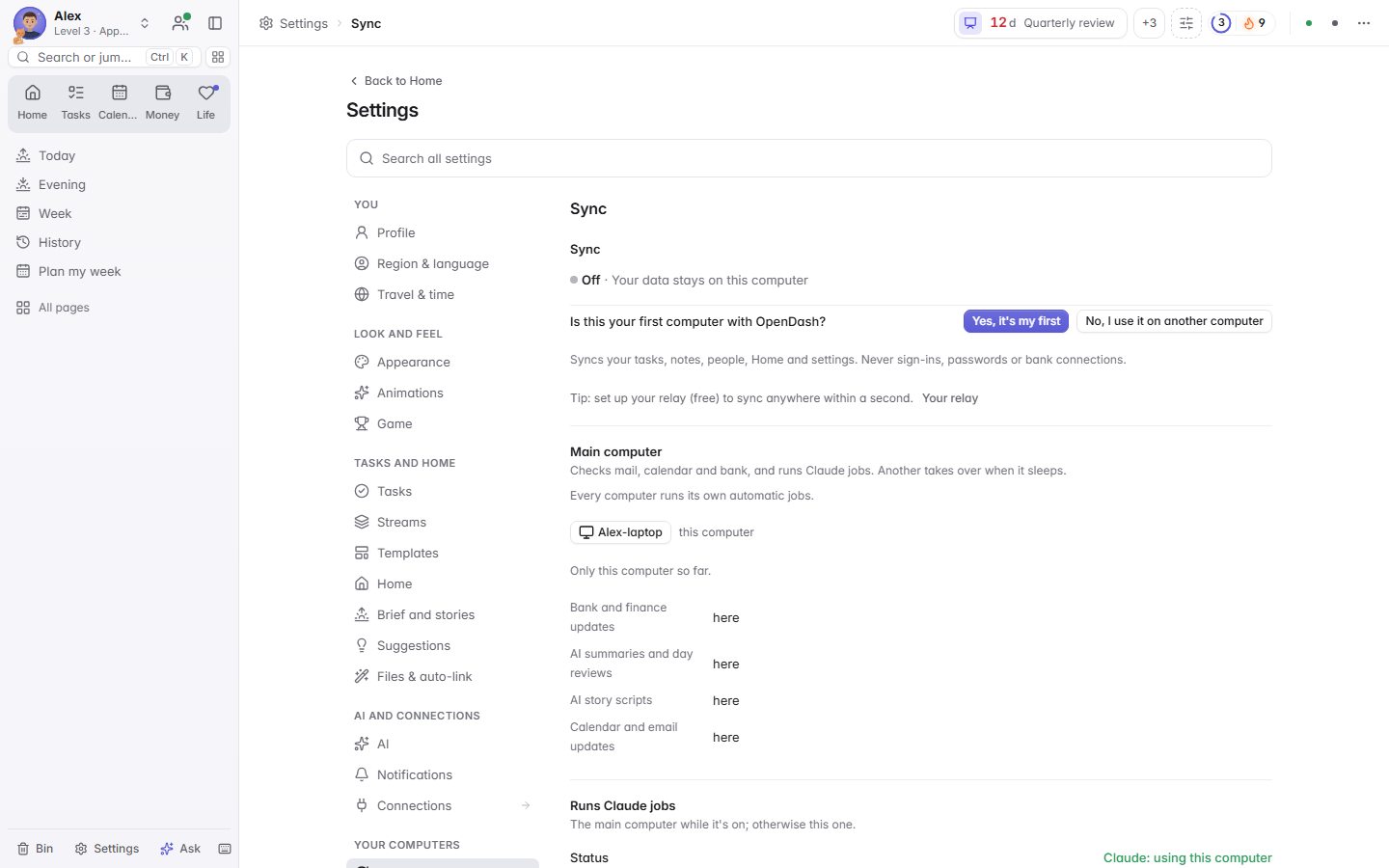
- Sync and friends use standard primitives: AES-256-GCM, X25519, Ed25519 and HKDF. The relay carries sealed data it can't read.
- Your relay, your rules
- You host the relay on your own free Cloudflare account. Every request is signed, and only your devices and people you approve can use it.
- Signed by each device
- Every sync record is signed by the device that wrote it. Removing a device rotates the keys and locks it out of Friends.
- Signed updates
- Updates come only from this project's GitHub releases, with an Ed25519 signature checked before anything installs.
- An assistant on a short lead
- No shell, no file tools. It can do nearly everything with Undo; anything sensitive needs your approval.
- Untrusted text stays text
- Emails, calendar invites, bank memos, invites and friends' data are escaped before they reach the page.
Reviewed end to end before launch
Six independent AI security reviewers each took one area: the local server, encryption and sync, the relay and friends, untrusted content, the AI tools and the release pipeline. They worked from the code with proof scripts against demo data. Every finding was fixed in version 2.20.0, apart from the first two limits below. This was a structured review, not a paid human audit or a certification.
The honest limits
- The Windows installer is not code-signed yet, so SmartScreen warns once. Each release lists SHA-256 checksums to compare.
- Sign-ins and keys on your computer are files your own user account can read, as with most desktop apps. Use disk encryption.
- Your relay runs on Cloudflare's free tier, so a flood of requests can pause it until midnight UTC. It never exposes data.
What is stored, and when anything leaves Security policy and threat model
Your choice
Cloud is optional
You never need it. You decide how far your data goes, one level at a time. There is no Freeflo cloud at any level.
-
Local only
The default. Read by: you.
Everything stays in one folder on this computer.
-
Your own devices
Read by: you, on your devices.
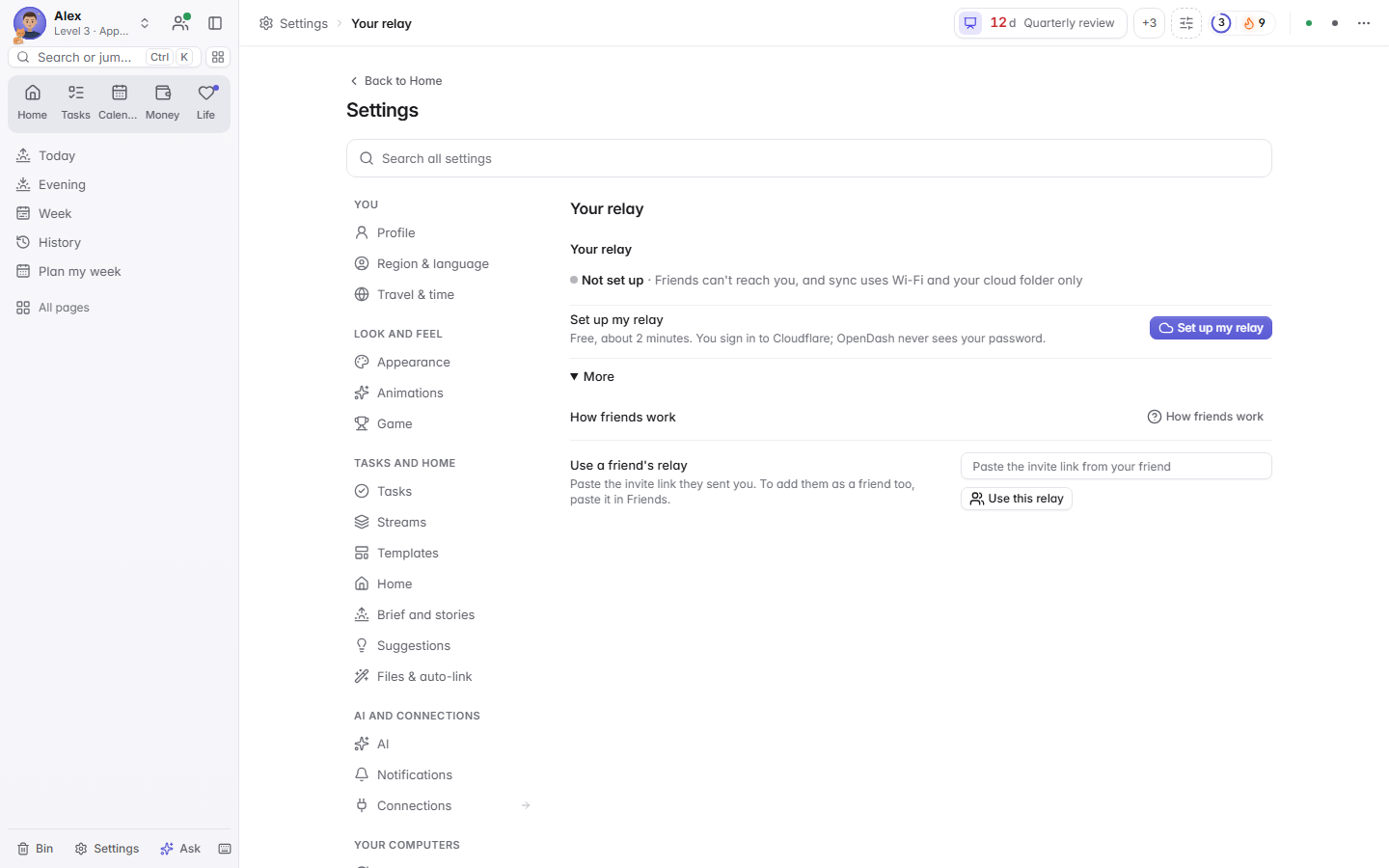
Your computers stay in step through a relay you host on your own free Cloudflare account, set up with one click. A OneDrive, Google Drive or Dropbox folder can keep an encrypted backup.
-
Friends you approve
Read by: each friend, only what you pick.
Friends connect to you with an invite link or a 4-letter friend code, you both check the same pictures, and you press Accept. They can use your relay or host their own.
For the most privacy, host your own relay, or stay local and use the relay only between your own devices.
Questions
Questions people ask
Is it really free?
Yes. Freeflo is open source under the MIT licence. The optional AI features use your own Claude plan through Claude Code, and the optional relay fits in Cloudflare's free plan.
Do I need the internet or an account?
No. Tasks, the calendar view, money from a CSV, people and the brief all work offline. There is nothing to sign up for.
Why does Windows warn me about the installer?
The installer is not code-signed yet, so SmartScreen does not recognise it. Choose More info, then Run anyway, after comparing the file with the SHA-256 checksum on the release page.
Can the Freeflo project see my data?
No. There is no Freeflo server. Sync and friends go through a relay on your own Cloudflare account, end-to-end encrypted.
Does it work on a Mac or Linux?
Yes. Download the zip, install Node.js 20 or newer, and run sh start-opendash.sh. It opens in your browser.
How do updates work?
Settings, then Updates, asks GitHub when you choose. A new release is checked against its signature and checksum, the old files are backed up, and your data folder is never touched.